
Can't Print?
Common issues
Uniflow Application isn't running
If you are trying to print and nothing is showing up at the copier it is likely because the application isn't running. If you look in the top menu bar on your screen, somewhere to the left of your battery icon or WiFi icon you should see the Uniflow icon.

If you do not see this icon then you need to go to your Applications and start it again.
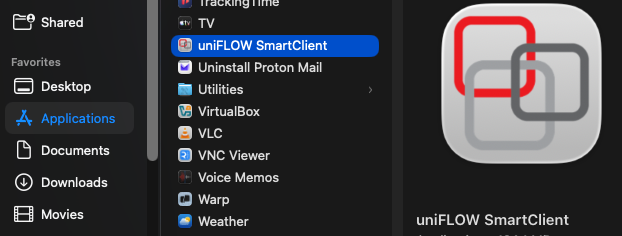
Open the uniFlow SmartClient and sign in when it prompts you to. You will have to send your document to print again, but it should now be available at the copier.
No Comments